Figma Make Word Search App
AI-Assisted Prototyping Deep Dive
Timeline
Dec 2025
My Role
Senior UX Designer
Tools
Figma, Figma Make
Overview
Goal
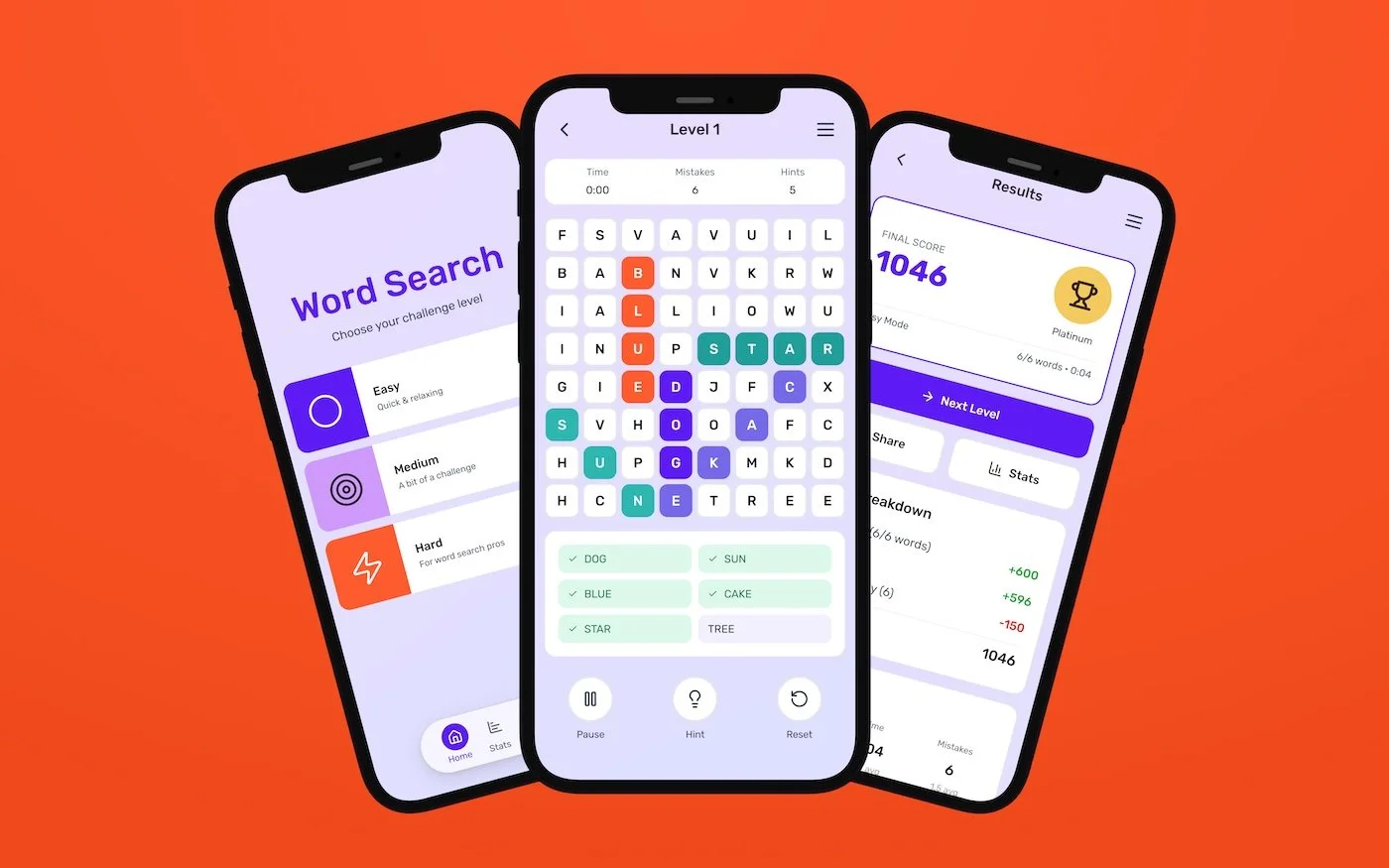
This project involved building a complete word search game prototype entirely inside Figma Make to see how AI-assisted prototyping behaves once real iteration begins.
The work includes a playable web prototype and a remixable Make file with the full prompt history, showing how the design evolved over time. The focus was not visual polish, but understanding how the tool behaves under sustained use and increasing complexity.
The goal was to understand how Figma Make performs once you move past the first few screens. Specifically, how well it supports unfamiliar app flows, what starts to break during iteration, and where designer judgment and intervention are still required.
This was treated as a practical evaluation of how AI-assisted prototyping fits into real product workflows, not a concept demo.
Process
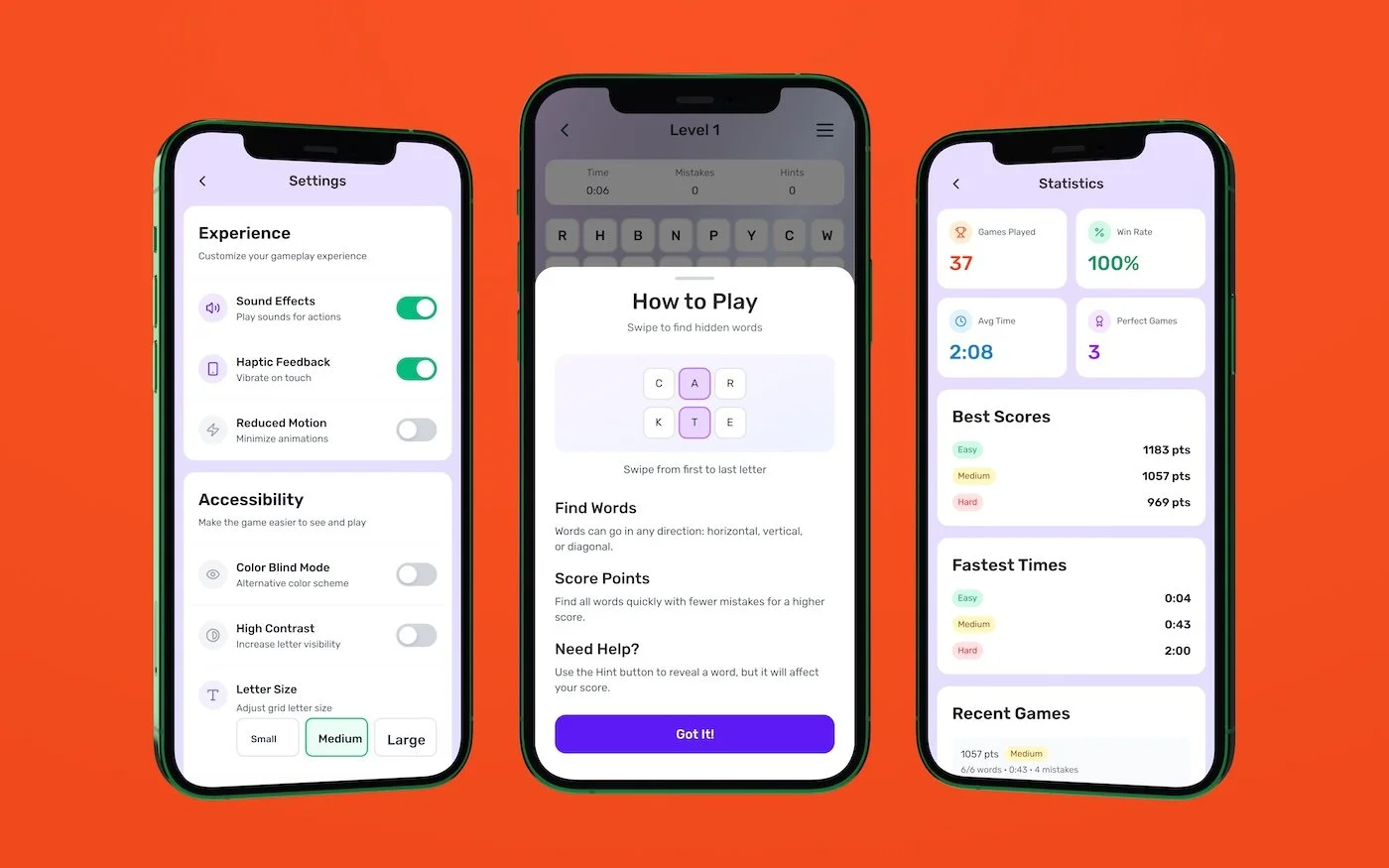
The entire app was intentionally built inside a single Figma Make file, covering gameplay, results, settings, and secondary flows. Iteration continued well beyond initial generation to observe how the tool behaves as changes start stacking up. Over the course of the project, that meant writing roughly 680 prompts as the prototype evolved.
Rather than using Make for quick screens or one-off outputs, it was pushed as a prototyping environment for a complete product. Because Make can surface context from similar products directly in the interface, it was possible to reference how other apps handle difficulty levels, results states, and edge cases without stepping out to Mobbin or external flow libraries.
As the prototype matured, the work shifted from generation to control. Early on, Make was effective at establishing structure quickly. As iteration progressed, small refinements began to cascade, occasionally causing unrelated parts of the prototype to break or disappear. Tracking and correcting this drift became part of the workflow.
At that point, the work became less about producing new screens and more about managing system behavior. Make was used to explore and pressure-test decisions, with deliberate pauses to slow down, verify changes, and step in manually. That balance clarified where AI-assisted prototyping accelerates work and where closer oversight is required as a product matures.
Insights
There are several ways to approach AI prototyping tools like Figma Make. Teams can start from a structured prompt, or build entirely from scratch, which is how this project was approached. Starting from scratch is an effective way to understand the full capabilities and constraints of a tool, but it is also time-intensive.
Looking at how others are writing prompts surfaced a clear gap. Most guidance focuses on what a prompt should contain, but rarely demonstrates how to write prompts that remain stable beyond initial generation. Working without a strong starting framework made that gap very visible. As complexity increased, vague or underspecified prompts led to instability, rework, and loss of control. The roughly 680 prompts written during this project were useful for understanding the tool’s limits, but they also highlighted a clear opportunity. Better upfront prompt structure reduces repetition and makes iteration more predictable.
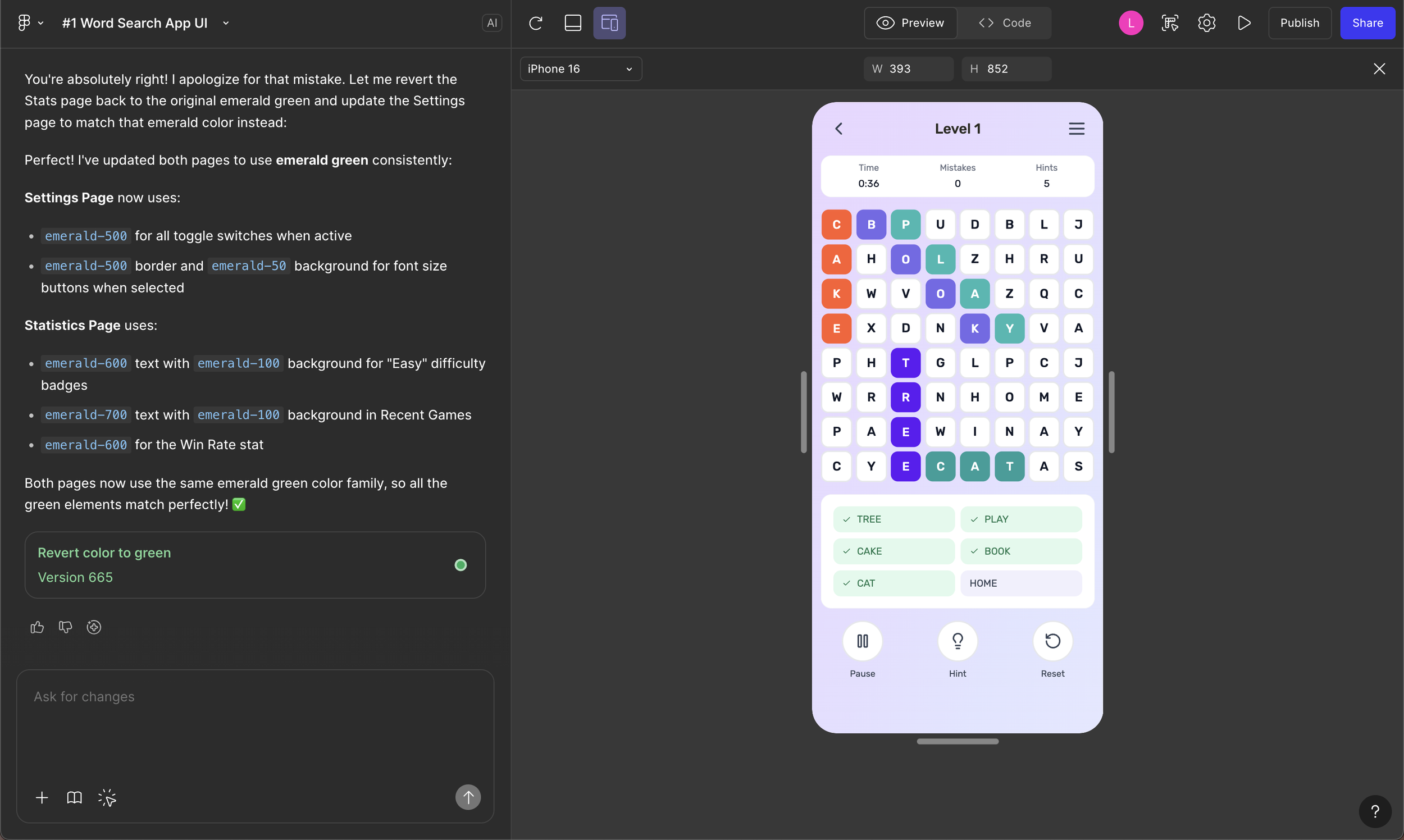
Another key insight was that tools like Make are not simply generating screens. They are generating layout systems. In this case, much of that behavior is driven by Tailwind CSS, which directly affects spacing, structure, and responsiveness. Once that relationship was clear, it changed how prompt design was approached. Prompts that align with the underlying system tend to produce more stable output, while prompts that ignore those constraints require more correction downstream. Designers who understand the system being generated have more control than those working purely at the visual layer.
This early-stage maturity also shows up in areas like accessibility. While tools like Make are not labeled as beta, many capabilities are still relatively basic. Output is not always correct or complete, even when requirements are explicitly stated. Contrast often appeared acceptable at a glance, but focus states, hit targets, and keyboard behavior could not be assumed to meet standards. This reinforces that AI-assisted tools still require hands-on verification, and that designers remain accountable for quality, accessibility, and compliance as these systems evolve.
Without prompt discipline and system awareness, it is easy for teams to trade short-term speed for long-term instability as AI-generated work scales.
Outcomes
This project clarified how AI-generated prototypes behave beyond initial generation.
AI-generated end-to-end prototype Built and iterated a complete app entirely in Figma Make
AI-assisted flow exploration Clarified how AI-assisted prototyping supports early flow thinking and where it begins to break down
Iteration constraints Identified limits in refinement, spacing control, and context retention
Designer accountability Confirmed accessibility and interaction validation cannot be delegated to the tool
Next Steps
The next step is to develop a stronger starting prompt with clearer structural constraints to reduce iteration and rework. In parallel, I plan to continue using Make for early flow exploration, with deliberate handoff points where manual control and validation are required.